Create international trade documents with simple, secure software designed to help prevent costly mistakes before they become delays.
Trade documents aren't just paperwork. Errors or missing details can lead to customs delays, storage fees and rejected payments. The more often you enter the same information, the more opportunities there are for something to go wrong.
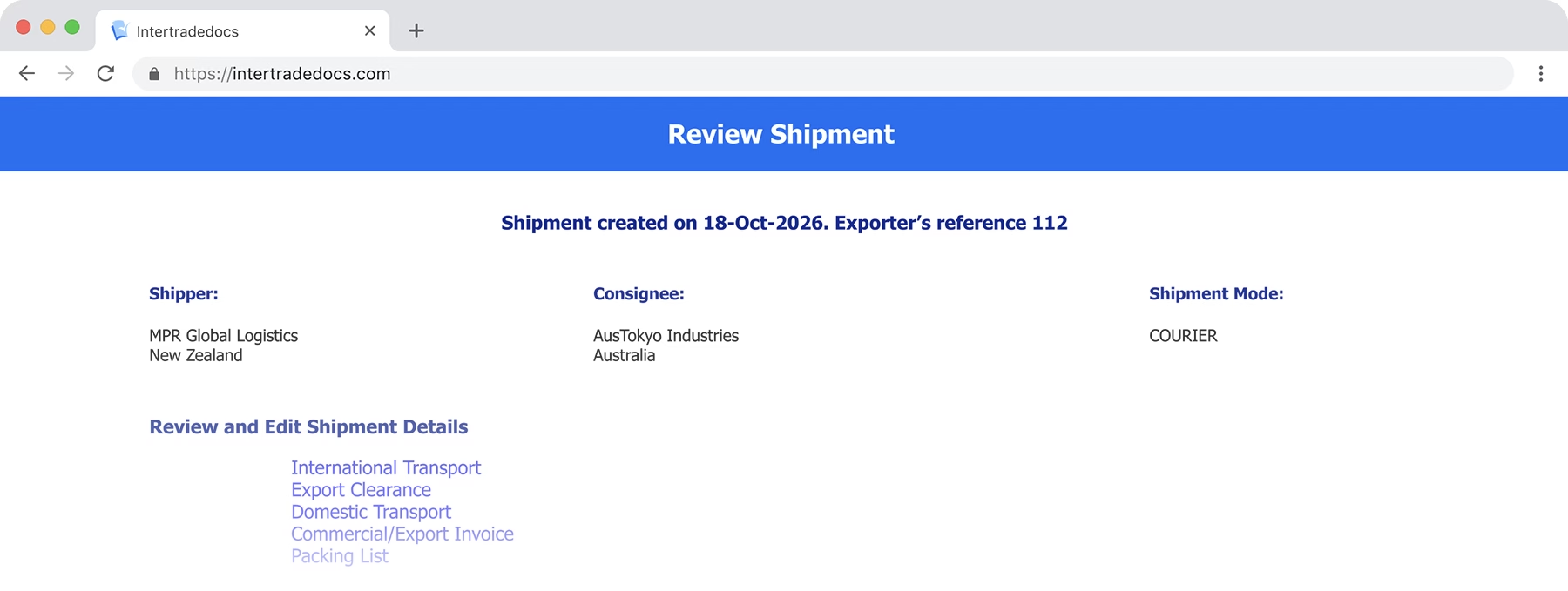
With Intertradedocs, enter your shipment information once and let the software do the rest. Built-in validation helps catch errors, while your information is carried consistently across your document set.
Less repetition. Less double-checking. More confidence in your export documents.
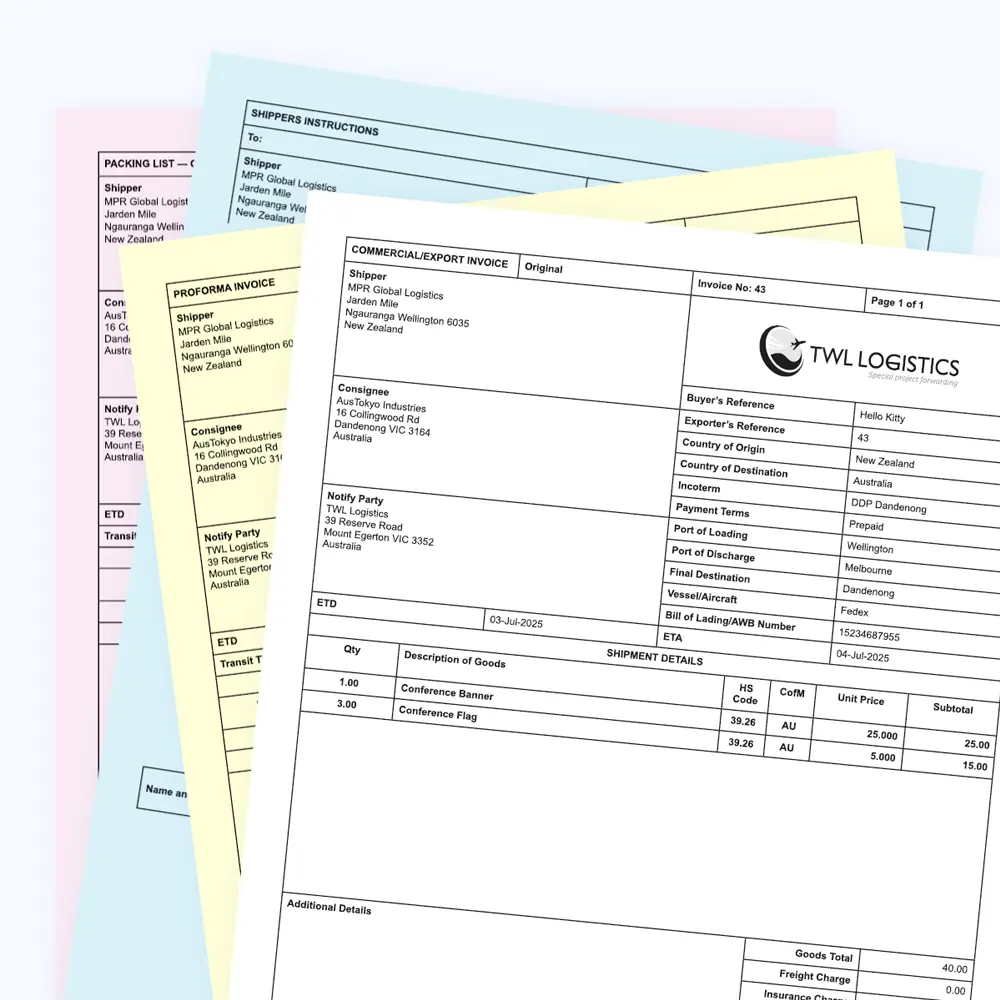
Intertradedocs focuses on one thing: helping your business create export documents quickly and accurately. Every feature is designed to make export documentation simpler, faster and more reliable.
Step 1
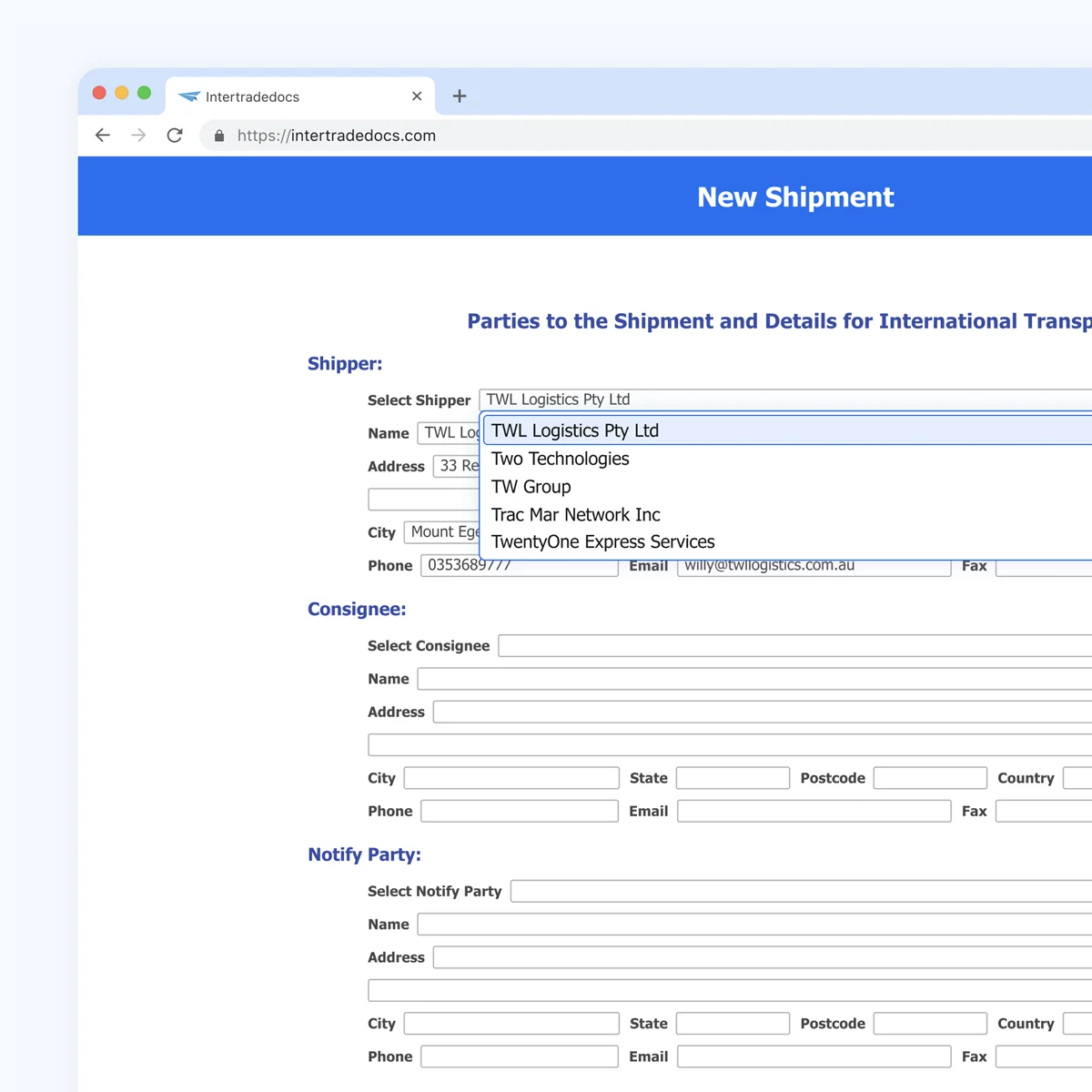
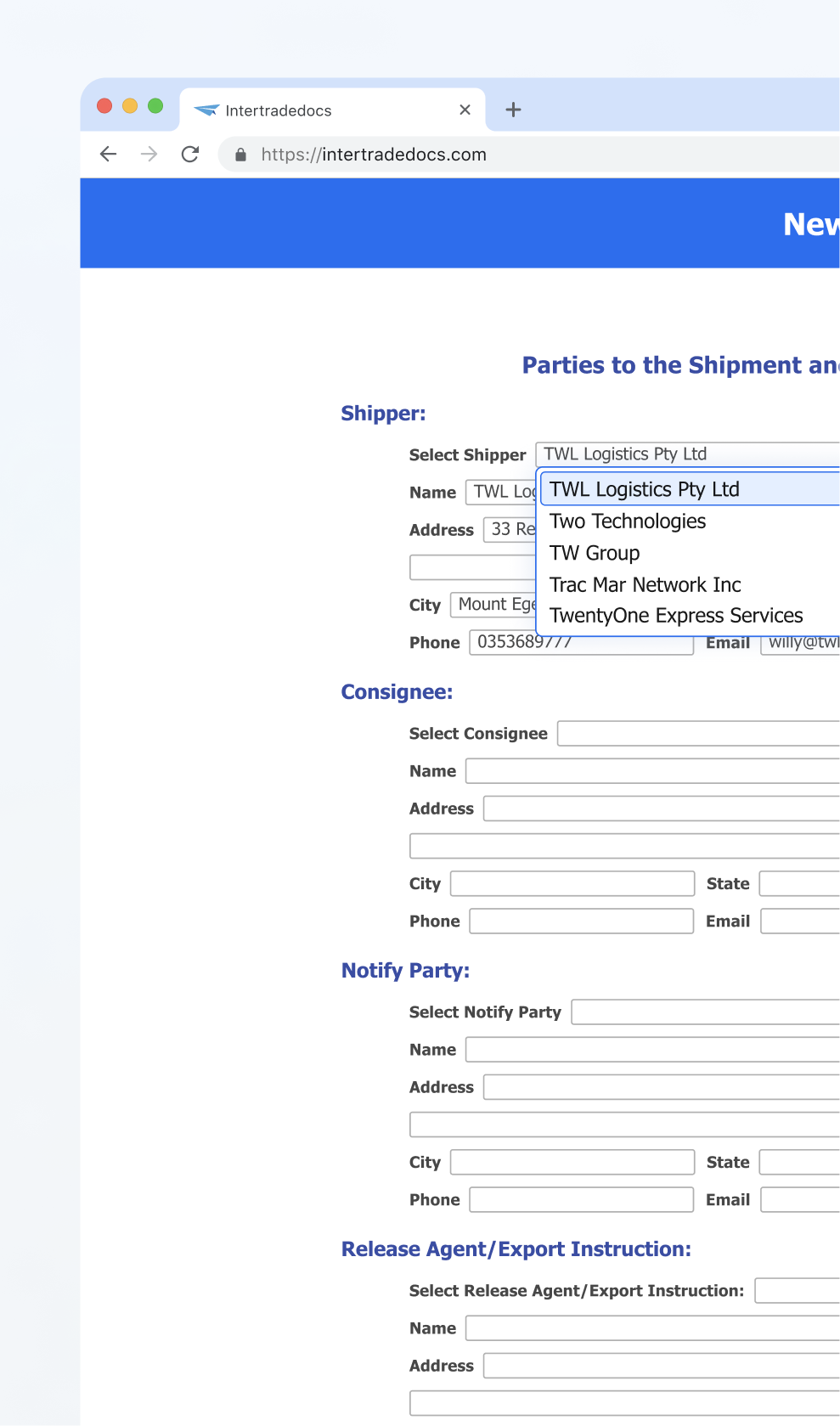
Enter your shipment information. Intertradedocs reuses your saved contacts and product details across future exports.

Save parties and products
Autofill shipment with saved data
Eliminate repetitive data entry
Step 2
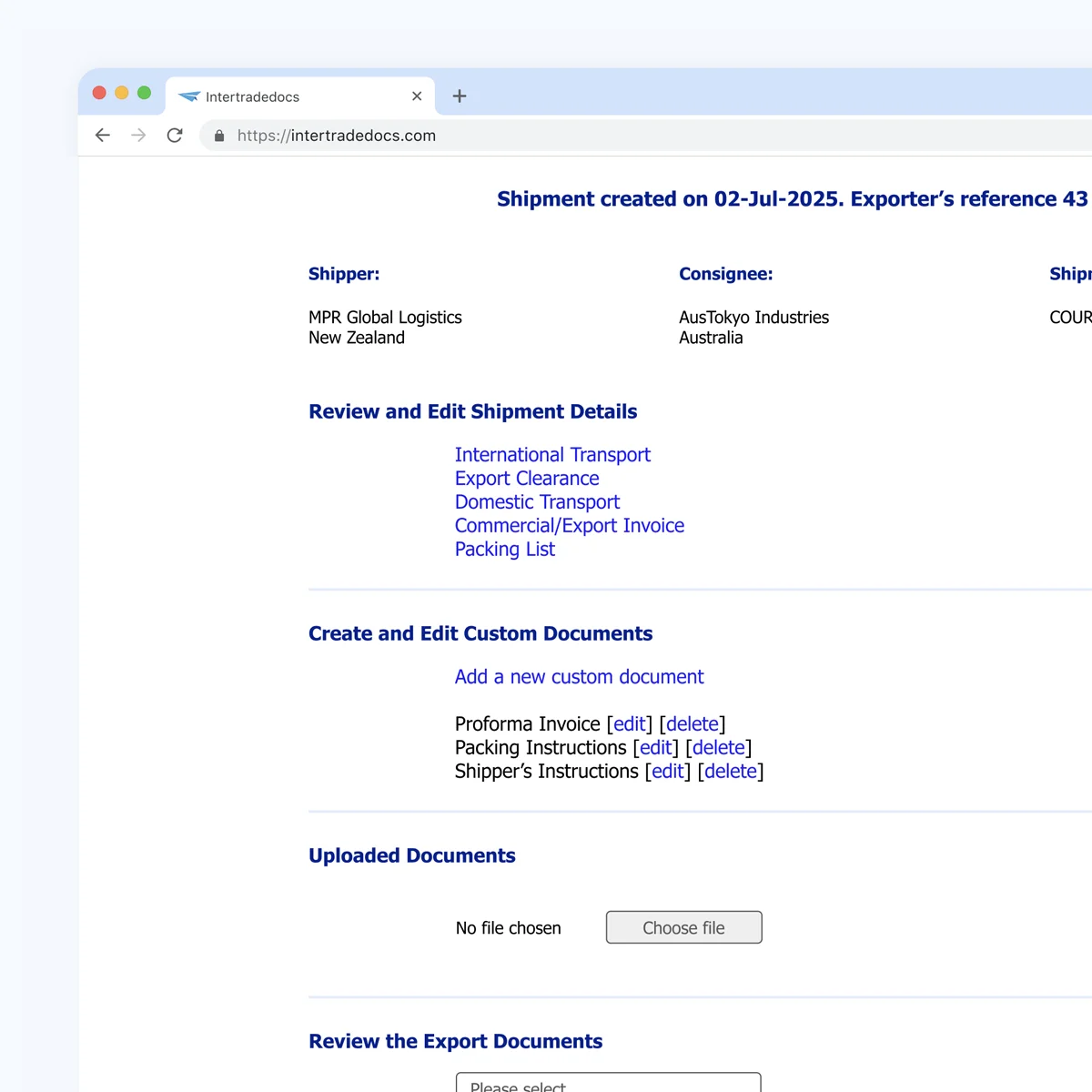
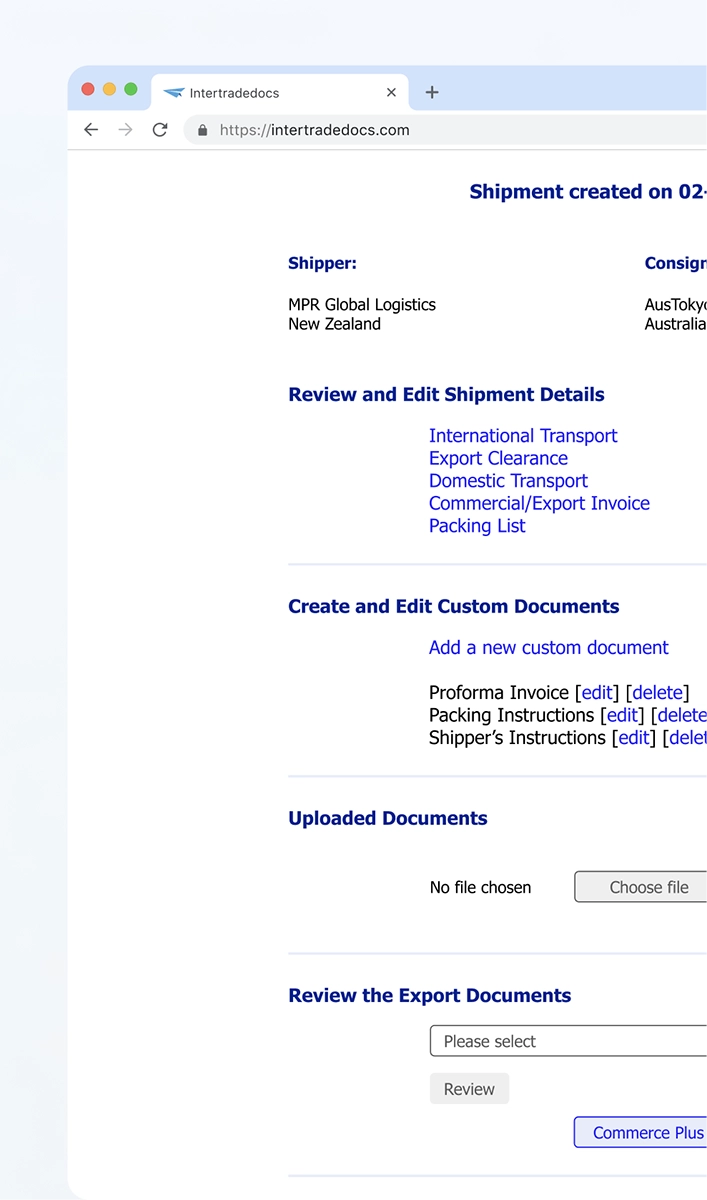
Review your complete document set, make changes and customise your documents as needed.
Edit documents directly within your shipment
Changes apply across your document set
Create custom or upload supporting documents
STEP 3
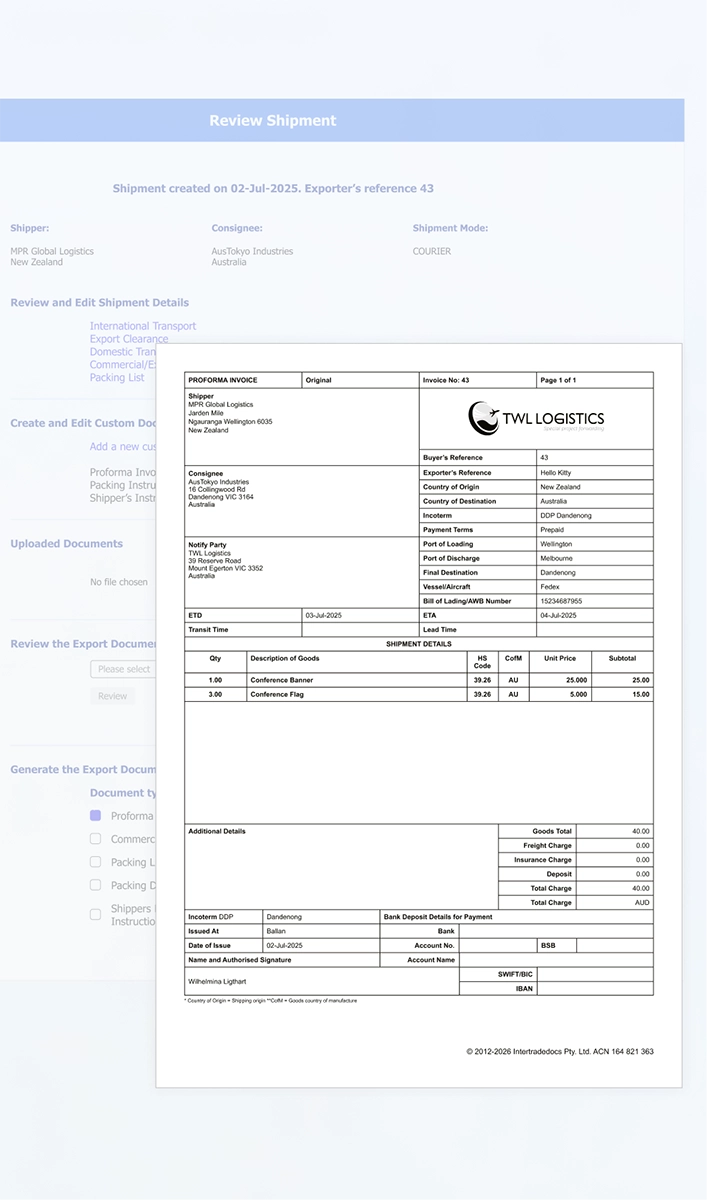
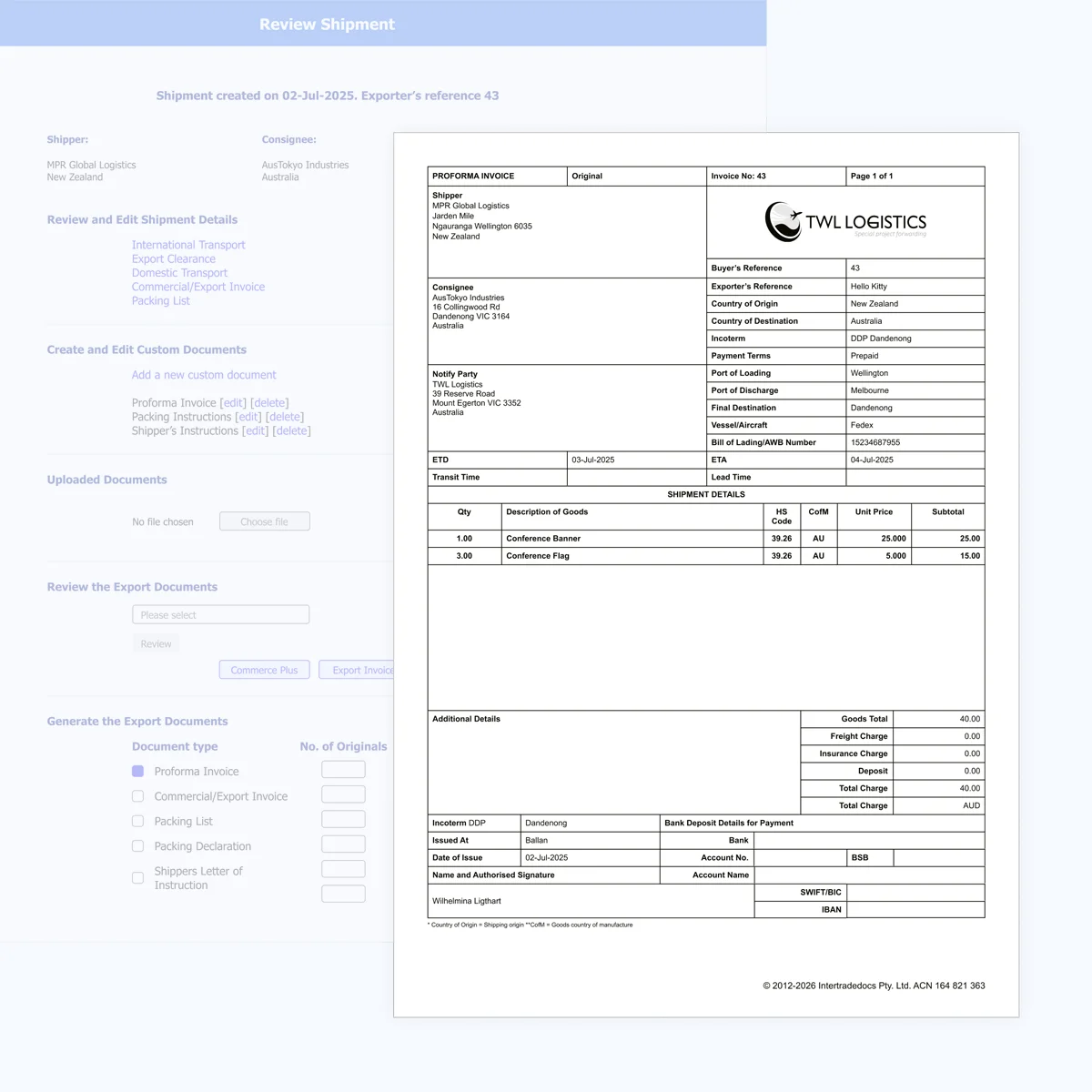
Your complete document set is ready to download, print or email, all in one place.
Generate your complete export document set
Download, print or email your documents
Save and duplicate shipments for future exports
Every exporter is different. That's why Intertradedocs gives you the flexibility to choose how you get started and the level of support that works best for your business.
We'll set up your core products and parties, prepare your documentation and help you get familiar with the software.
Continue at your own pace
When you're ready, manage your own documentation using the information already set up in your account.

International trade uses a shared blueprint for paperwork. When export documents follow these globally recognised guidelines, customs authorities, trade partners and shipping companies around the world can easily find and understand the information they need.
Intertradedocs is built around the United Nations Layout Key (UNLK)—the international standard for trade and transport documents. Simply enter your shipment information and Intertradedocs does the rest, generating documents that follow these globally recognised guidelines.
Every Intertradedocs customer receives personalised training and ongoing support from experts who understand international trade.
Training is available in Australia and South Africa, with online sessions for customers anywhere else in the world. Wherever you're located, you'll receive the same personalised support from people who know both the software and the realities of global export.
40+ years of international trade experience
Training tailored to your business and workflow
Real people, worldwide support
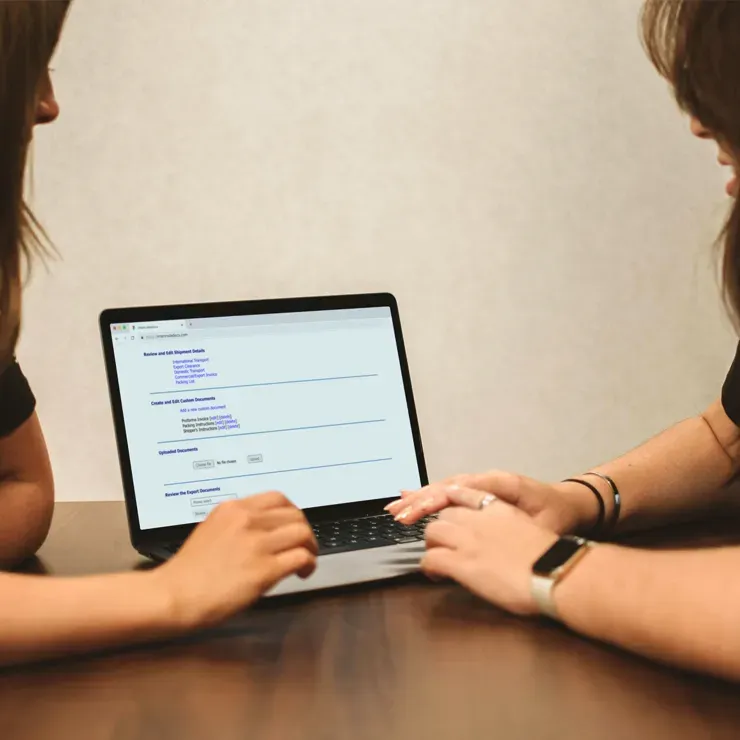
Discover how Intertradedocs can save you time and money while helping you create faster, easier and more accurate export documentation.

Enter information once and reuse saved contacts, products and shipments across future exports.

Keep information consistent across document sets without repeated data entry.

Generate trade documents built around the UNLK with built-in validation to help reduce errors.

Create trade documents without the complexity and clutter of an all-in-one system.

Store, search and update shipments and supporting documents whenever you need them.

Protect your shipment information with encrypted data transfers, frequent backups and secure access.

Receive personalised training and ongoing support from our team of experienced export professionals.

Work with our team to find a pricing plan that best fits your business and export volume.
What documents can I create in Intertradedocs?
Intertradedocs currently supports Commercial Invoices, Proforma Invoices, Packing Lists and Packing Declarations. You can also create custom documents, such as Shipper's Letters of Instruction and Shipping Instructions, using your own document name and additional information.
Yes. Intertradedocs allows you to create custom documents alongside its standard export documents. Add your document name and any additional information you'd like included, and Intertradedocs will generate the document using the relevant shipment information in a UNLK-compliant format.
Yes. Our team can prepare your export documentation while you become familiar with Intertradedocs. We'll set up your account, products and trading partners, prepare your shipments and generate your documents for you. This service can be used during onboarding or on an ongoing basis, with pricing tailored to your export volume and documentation requirements.
Intertradedocs carries information across your documents, so you only need to enter shipment details once. Contacts and products are added to your account before they're used in a shipment, meaning you select existing information rather than retyping it every time. Save even more time by duplicating previous shipments or importing parties and products via CSV. Changes made to one document can also flow through the rest of the document set.
Keeping your information secure is important to us. Intertradedocs uses an encrypted SSL connection to protect your data whenever you access the software. Your information is stored securely in the cloud and backed up externally every night.
Intertradedocs offers a range of plans to suit different teams and export needs, but we know one price doesn't fit all. If your export volume, team size or documentation needs don't fit neatly into one of our plans, talk to us. We'll work with you to find a fair arrangement for your business. We also offer a documentation preparation service for customers who prefer to have our team manage their paperwork.
View our pricing plans here
Intertradedocs is built around the United Nations Layout Key (UNLK), the international standard for the design of trade and transport documents. The software guides you through the required information and format before generating documents that follow these globally recognised guidelines. This helps reduce inconsistencies and helps customs authorities, trade partners and shipping companies around the world to find and process the information they need.
